
Key Takeaways
Modern software development is undergoing a paradigm shift as machine learning models integrate directly into the integrated development environment to accelerate task completion and reduce cognitive load.
- AI assistants function by tokenizing codebase context to predict and suggest relevant code blocks in real time.
- Most developers now utilize these tools to handle boilerplate code, allowing them to focus on complex architectural design.
- Real-world performance relies heavily on how effectively an agent tracks file relationships across large and deeply layered repositories.
- Integration within existing workflows is the primary driver for adoption, as developers prioritize seamless tool interaction over standalone performance.
- Trust gaps remain a challenge, necessitating rigorous code reviews even when tools achieve high levels of syntactic correctness.
1. GitHub Copilot
GitHub Copilot serves as a conventional entry point for many engineers, effectively operating as a pair programmer that maintains proximity to the codebase. By analyzing active files and linked documentation, the system generates suggestions for functions and logic blocks, significantly reducing the typing required for common programming tasks. It represents the foundational layer of modern AI coding assistants, providing a reliable baseline for speed and syntax accuracy.
Working within the editor, this model enables developers to maintain a consistent rhythm while offloading repetitive syntax generation. The tool leverages a broad training set to grasp common patterns and standard library usage across multiple languages. This capability allows the developer to shift focus toward logic design and away from manual implementation of minor infrastructural requirements.
However, users often find that while the system excels at standard coding patterns, it requires manual adjustment when managing specialized system architectures. Engineers frequently treat these suggestions as a first draft, refining the generated output to meet specific performance requirements or security mandates. GitHub Copilot remains a staple for its accessibility and wide-range support for common development environments.
2. Cursor

Cursor has emerged as a specialized environment specifically architected for agentic workflows and multi-file interaction. Unlike general-purpose plugins, it provides an augmented editor interface where the AI manages global project context to answer complex questions about service architecture. This approach enables developers to move beyond file-specific completion, allowing for deeper engagement with the internal dependency structure of the project.
In practical application, the tool assists in mapping out code changes that span across several subdirectories. By indexing the repository, the system ensures that suggestions adhere to local styling and functional constraints, which is vital when modifying core modules. This depth makes it a preferred option for engineers managing legacy setups that require careful refactoring.
Engineers using this platform often note an increased velocity in standard maintenance and feature development tasks. By keeping the context window focused on project-specific requirements, the tool minimizes hallucinations that often occur with less-aware models. It illustrates how best AI coding tools move into the realm of active collaboration rather than passive completion.
3. Codeium
Codeium provides a high-performance alternative for developers seeking speed and deep language support across various text editors. The system is designed to integrate fluidly into existing workflows without introducing significant latency, even when handling large codebases. Its architecture minimizes the time investment required to generate code, which can be essential for high-throughput environments.
To facilitate team decision-making, the following table compares common capabilities across widely used coding assistants, highlighting how performance metrics and context management vary between different platform architectures:
| Feature | Codeium | Tabnine | GitHub Copilot |
|---|---|---|---|
| Context Size | High | Medium | Medium |
| Latency | Very Low | Low | Low |
| Deployment | Cloud/Self-hosted | Local/Cloud | Cloud |
Selecting the right tool often depends on specific infrastructure needs within the organization. Teams might prefer a self-hosted option for privacy or a cloud-based solution for shared computation. Consider the following criteria when evaluating your pipeline requirements:
- Data privacy and residency requirements for sensitive codebases.
- Integration compatibility with specific build tools and IDE environments.
- Capability to handle multi-language repositories without context drift.
- Performance impact on the local system during heavy indexing processes.
By carefully reviewing these factors, engineers can prioritize the most effective solution for their specific software development lifecycle. This analysis ensures the implementation is both scalable and compliant, especially in environments where code quality is heavily monitored.
4. Cody by Sourcegraph
Cody by Sourcegraph distinguishes itself by utilizing semantic search to interpret large knowledge bases and code repositories. This capability allows it to answer questions about proprietary libraries or specific organizational coding standards that are not present in standard pre-training sets. It acts as a bridge between internal documentation and the development process itself.
For teams working in complex technical environments, this tool provides a significant advantage by pulling context from disparate parts of a project. It efficiently manages the complexity of microservices, ensuring that suggestions are relevant to the specific architectural patterns preferred by the company. This contextual awareness is a critical evolution in how developers interact with large-scale projects.
Engineers often find that the strength of this approach lies in its ability to navigate documentation-heavy workflows. When information is scattered across wikis and code comments, the model synthesizes this into actionable insights, saving time during the onboarding process. It underscores the ongoing shift from simple code completion to comprehensive AI coding agents that understand technical intent.
5. Tabnine
Tabnine provides a localized, privacy-conscious approach that remains highly effective for projects with strict security requirements. By running models locally or within isolated server environments, it keeps source code from being transmitted externally, which is a major advantage for sectors like finance or defense. This model ensures that proprietary code remains within the organization's control while still benefiting from automation.
The system utilizes a hybrid approach, combining traditional machine learning models with more advanced transformers for efficient code generation. This balanced strategy offers immediate suggestions with minimal footprint, making it a suitable choice for developers who prefer lean editing environments. Despite the conservative approach to connectivity, the tool maintains a high degree of precision in predicting the next tokens.
For those working in data-sensitive fields, keeping the tooling architecture simple is often the primary goal. Tabnine supports various programming languages while respecting local settings, providing consistent performance across distributed development teams. It serves as a testament to the utility of balancing high-level automation with strict data governance protocols during the software lifecycle.
6. Amazon Q Developer
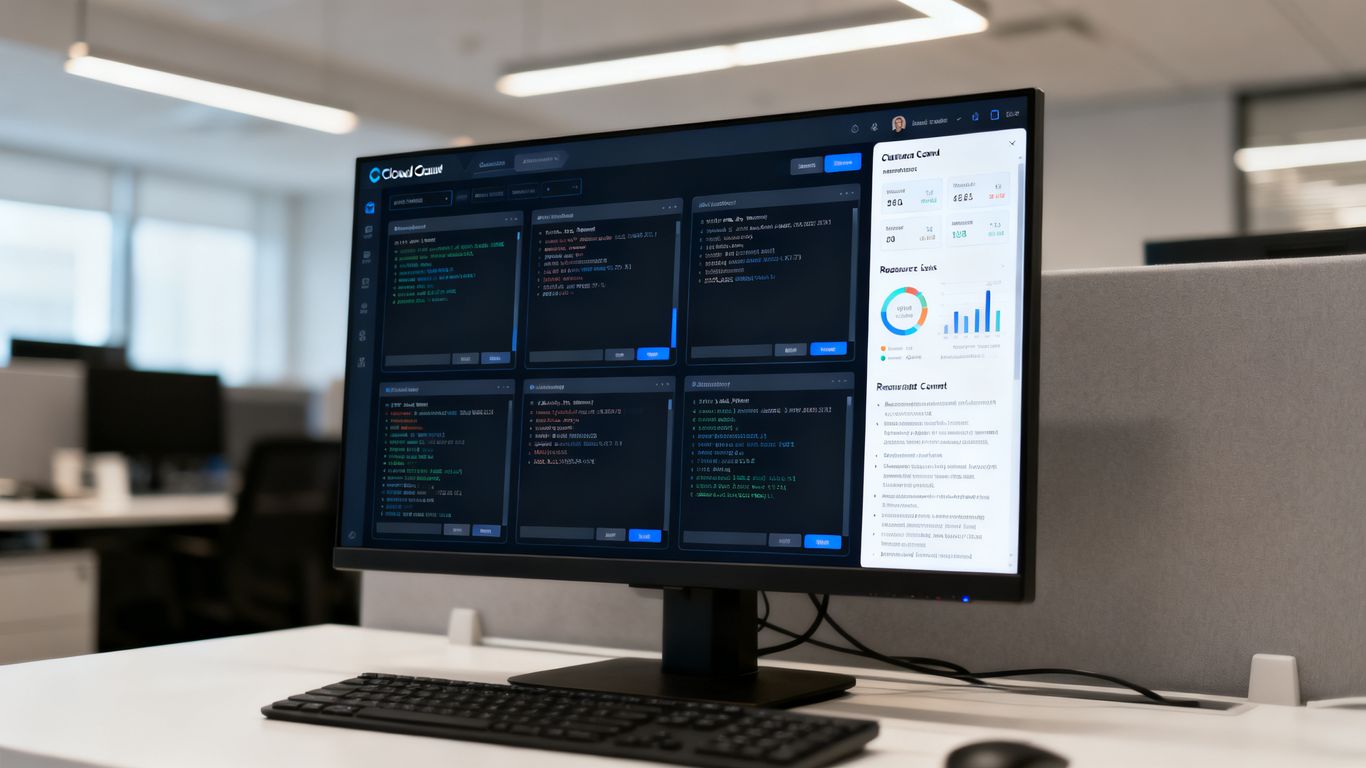
Amazon Q Developer functions as a specialized assistant for engineers operating within cloud-native environments. It assists with writing code, debugging infrastructure-as-code scripts, and optimizing overall performance by understanding the specific service layer protocols. This depth of integration with cloud architecture allows for more sophisticated task management than standard generic assistants provide.
Engineers often leverage its awareness of cloud-native patterns to accelerate the provisioning of serverless functions. By receiving suggestions tailored to specific environment constraints, developers reduce the cycle time between initial writing and actual deployment. This direct integration with infrastructure provides a distinct professional advantage for teams heavily invested in their cloud ecosystem.
Beyond simple completion, the assistant aids in detecting potential issues in deployments before they pass the CI/CD hurdle. It serves as an extension of the broader cloud management toolkit, ensuring that infrastructure remains aligned with professional best practices. This makes it an essential tool for operations-heavy engineering teams.
7. Windsurf
Windsurf offers an advanced approach to interactive coding where the environment itself participates in the development process. It seeks to close the gap between natural language prompts and executable logic by providing agents that inspect the workspace continuously. This fluidity allows for more natural back-and-forth interactions between the programmer and the assistant throughout the iteration loop.
Developers who utilize this system report significant improvements in how they manage complex refactoring tasks. Because the agents possess a high degree of workspace understanding, they can propose changes that respect the intended design patterns across the entire project structure. This granular level of awareness helps in maintaining codebase consistency over time.
For teams looking to refine their development speed, this approach provides a robust framework for managing experimental code. It enables rapid prototyping without losing the underlying structure of the existing application. This level of environmental intelligence is essential for handling complex projects where manual mapping would be otherwise prohibitive.
8. Replit
Replit provides an accessible platform where the development environment, execution engine, and AI assistant are fully tethered. This integration allows beginners and experienced developers to spin up projects with zero local setup, making it an ideal sandboxing environment. It effectively lowers the barrier to entry for building and testing software in the cloud.
Because the platform handles the configuration automatically, engineers can jump straight into the logic without worrying about environment variables or dependencies. This speed is advantageous for teams that need to demonstrate prototypes or conduct quick benchmarks without modifying their primary machines. It keeps the development experience centered on the code itself.
For many, the value lies in the speed of the edit-run-fix loop which the platform facilitates through integrated execution. While often viewed as a starting point, it has grown into a powerful workspace for collaborative software projects. The ability to share environments instantly further enhances the collaborative utility for teams working remotely.
9. Google IDX
Google IDX facilitates development by bringing cloud-based virtual machines directly into the browser, supported by intelligent assistance throughout the editing experience. By aligning the project environment with robust cloud tooling, it simplifies the transition from local writing to production deployment. This synergy makes it particularly effective for front-end and full-stack engineers.
Developers observe that the tool enhances consistency across different machines, as the environment is always stored in the cloud. This standardization helps minimize the common "it works on my machine" issues that plague many distributed teams. The inclusion of intelligent coding support directly within the browser tab keeps the interface uncluttered.
For engineers engaged in the broader Inside Deep Tech ecosystem, this platform demonstrates the utility of cloud-optimized programming spaces. It allows for advanced debugging and testing within an ephemeral workspace, supporting a streamlined approach to building scalable applications. This ensures that the focus remains on high-level architecture rather than local configuration management.
10. Pieces for Developers
Pieces for Developers acts as a personal memory for code snippets, providing an organized way to save, classify, and retrieve recurring patterns. It functions by indexing the user's history and providing context-aware suggestions based on past work. This utility is especially powerful when dealing with idiosyncratic coding habits that a developer has refined over many project lifecycles.
Beyond mere snippet management, the tool learns from the specific context of the user's workflow to offer helpful pointers that are relevant to the task at hand. By integrating into existing daily routines, it serves as a non-intrusive assistant that enhances productivity without interrupting thought flow. This makes it a valuable utility for those handling many small but distinct projects.
For engineers who frequently deal with complex, fragmented problem spaces, the ability to centralize and surface previous solutions is critical. It bridges the gap between active development and archived knowledge, ensuring that previous efforts are not lost to time. This focuses on building a personal knowledge layer that grows alongside the developer.
Conclusion
Selecting appropriate development tools depends on how well a system reconciles the technical complexity of large codebases with the fast-moving requirements of modern engineering. As software projects grow in scope, the tools that provide deep contextual awareness will become the standard for professional development. Engineers should view these assets as collaborative partners that increase capacity rather than mere code-filling utilities, ensuring that the focus remains firmly on delivering robust architectural solutions that move the field forward.
Frequently Asked Questions
Can AI coding assistants replace human software engineers?
No, they serve as specialized support tools that handle repetitive tasks and speed up development, but they lack the critical judgment required to solve novel architectural problems or manage business logic.
How does an AI tool understand complex code repositories?
These systems use advanced encoding and vector searching to map dependency relationships between files, enabling the model to retrieve relevant sections of the codebase to inform its next prediction.
What are the primary risks of using automated code generation in production?
Automated systems can produce superficially correct code that harbours subtle logical errors or security vulnerabilities, meaning a human engineer must always review the output for suitability.
Do AI coding assistants work effectively on legacy projects?
Performance varies, but systems with high context awareness are increasingly able to navigate unfamiliar legacy codebases to suggest refactoring options and explain outdated functional patterns.
Are locally hosted AI coding tools safer than cloud-based ones?
Locally hosted or private-instance solutions generally offer superior data sovereignty, as they prevent proprietary source code from being transmitted to third-party services for processing.
How should teams approach the integration of AI tools into their workflow?
Start by identifying bottlenecks in the current development cycle, choose a tool that supports existing language stacks, and ensure there is a clear code review policy in place for generated content.
Does using these tools negatively impact a developer's long-term skill development?
While automating boilerplate can reduce certain types of manual practice, engineers who use these tools effectively often find they have more time to study higher-level system design and debugging strategies.